

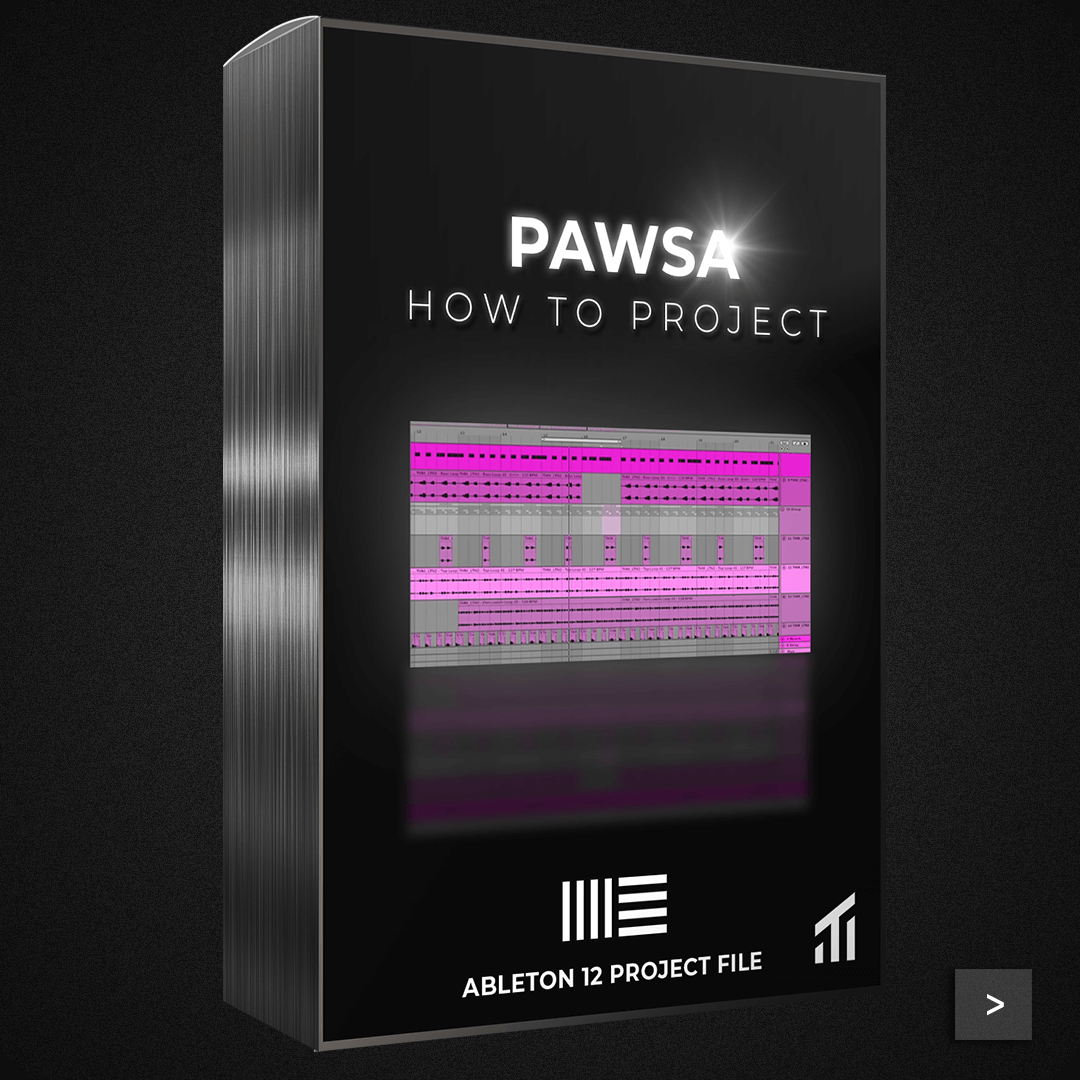
How To: PAWSA - Ableton 11 & 12 Suite Project File & Stems - Tech House
Earn Groove Coins:
+54
?
Our Loyalty Program
Create a free account to start earning 9 Groove Coins for every €1 spent — redeem them for discounts and free products.
- Real working Ableton session from our YouTube series
- See production decisions in context
- Apply techniques to your own tracks
- Learn faster by exploring the project
Built for modern, high-quality tracks — without slowing you down.


This Ableton project file is a real working session from our “How To” YouTube series — not a finished track.
Explore authentic production decisions, arrangement ideas, and sound interaction exactly as shown in the video, so you can apply the same techniques to your own projects.
Built for producers who want practical insight from real sessions, not polished demos or theory.
What’s inside this pack
Choose options
Earn Groove Coins:
+54
?
Our Loyalty Program
Create a free account to start earning 9 Groove Coins for every €1 spent — redeem them for discounts and free products.
- Real working Ableton session from our YouTube series
- See production decisions in context
- Apply techniques to your own tracks
- Learn faster by exploring the project
Built for modern, high-quality tracks — without slowing you down.
What’s inside this pack
Earn Groove Coins:
+54
?
Our Loyalty Program
Create a free account to start earning 9 Groove Coins for every €1 spent — redeem them for discounts and free products.
- Real working Ableton session from our YouTube series
- See production decisions in context
- Apply techniques to your own tracks
- Learn faster by exploring the project
Built for modern, high-quality tracks — without slowing you down.
What’s inside this pack


FAQ
Clear answers. No surprises.
Samples, MIDI, and construction kits work in any DAW. Presets require the listed synth (e.g. Serum). Project files require the specified DAW (e.g. Ableton Live or FL Studio).
Yes. All sounds are 100% royalty-free for use in personal and commercial releases.
Yes. All sounds are clean, balanced, and designed to sit properly in the mix without extra processing.
All DAWs are supported for samples and MIDI. Project files are DAW-specific and clearly listed on the product page.
Instant download. You’ll get immediate access via your account and email after checkout.